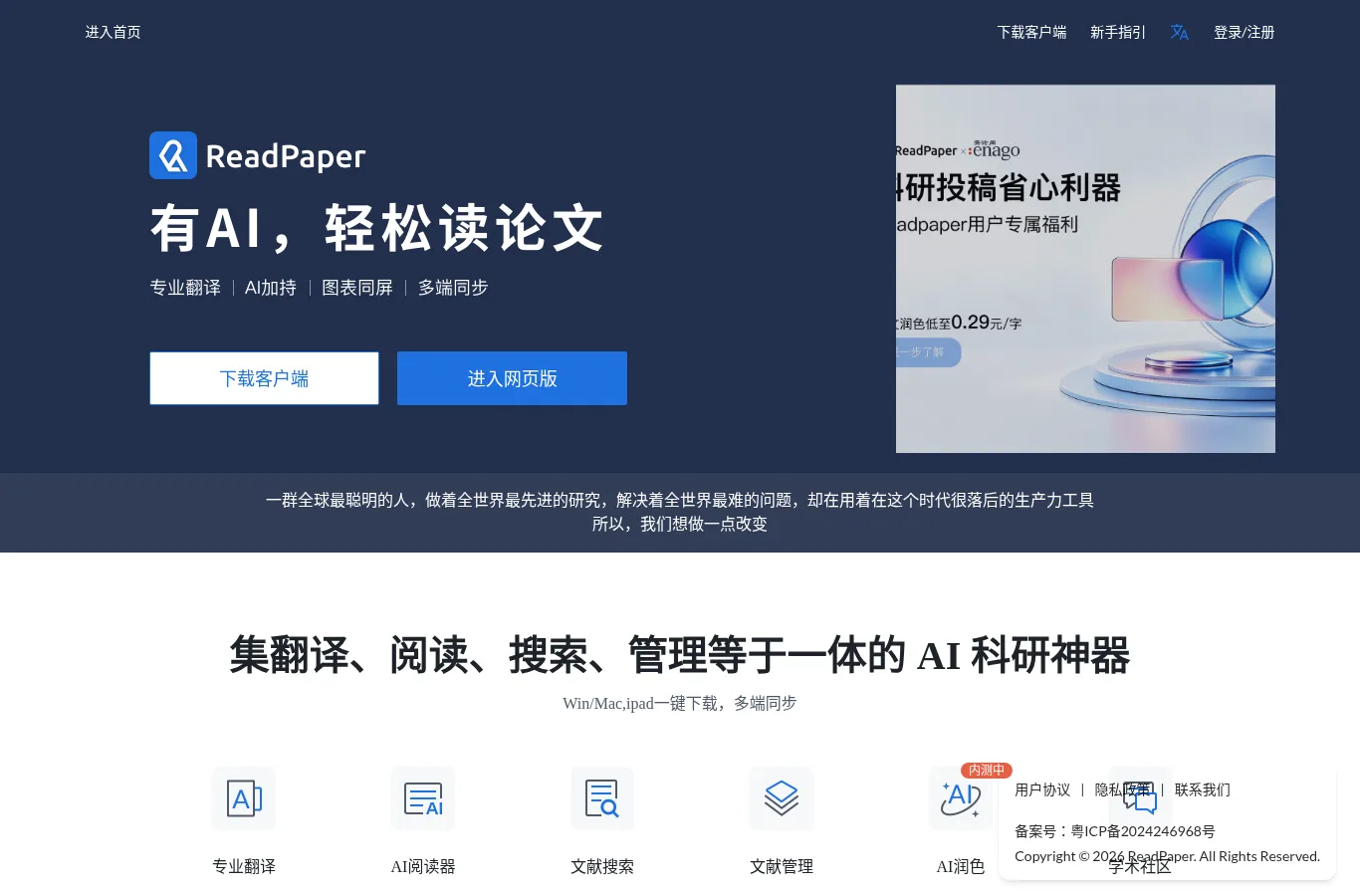
ReadPaper official homepage, screenshot from 20 October 2026. Source: readpaper.com.
ReadPaper (readpaper.com) uses the slogan “With AI, reading papers is easy.” It was first incubated by the International Digital Economy Academy (IDEA) in the Guangdong–Hong Kong–Macao Greater Bay Area and is now operated by Shenzhen Xuehai Yunfan Technology Co., Ltd. A line on the homepage states the premise: the world’s smartest people do cutting-edge research with outdated productivity tools. ReadPaper aims at the friction of looking up terms, translating, taking notes, and managing references while reading papers.
Core features
ReadPaper’s features can be grouped as search, read, manage, and write. On search, the site claims access to more than 200 million papers, with arXiv updates in real time and a browser extension for one-click import. Reading is its strength: the AI reader supports highlight-to-translate, full-text Chinese–English parallel translation, OCR for scanned PDFs, side-by-side figure/table extraction, one-click jumps to references, plus AI paper summaries and a “ten questions” mode for quick first passes. Management supports folders plus tags, export in multiple citation formats, and auto-sync across Windows, Mac, iPad, and the web. Writing tools include Chinese and English polishing, Chinese-to-English translation, title/abstract polishing, and an AI reviewer that simulates peer feedback.
Who it suits
ReadPaper fits STEM graduate students and researchers who read large volumes of English papers—especially those who annotate on an iPad by hand. It also supports private groups so lab members can share and discuss papers, which is handy for journal clubs.
How to start
On the official site, click “Enter web version,” or download the Windows, Mac, or iPad client; after registering you can upload PDFs or search papers on the site. Try full-text translation and figure/table side-by-side on a paper you are already reading before deciding whether to migrate your library.
Things to watch
Advanced features such as full-text translation have usage caps; the free tier is limited on translation count, page count, and storage. Paid plans are billed yearly; third-party roundups list tiers from roughly a hundred to nearly a thousand yuan—check the official site for current prices. AI summaries and translations help comprehension, but for key claims and data you still need to verify against the original.
Academic Gateway will keep cataloging academic tools and sites in China and abroad. To put search, reading, writing, and pre-submission checks in one workflow, you can also look at Scholay.
Information compiled and published by the Scholay academic one-stop platform; report infringement for takedown.
Also published on Enter Scholar, a scholars’ community for the intelligent age