Technical reports are classic grey literature: not always published in journals, yet often carrying finer experimental and engineering detail than papers. For research funded by the US Department of Energy (DOE), the reports can be looked for on OSTI.GOV. This article follows the OSTI.GOV About page and FAQ page, accessed on 25 November 2026; I have not searched OSTI.GOV myself, so what follows is not hands-on experience.
What OSTI and OSTI.GOV are and what they hold
The About page says the DOE Office of Scientific and Technical Information (OSTI), a unit of the Office of Science, collects, preserves and disseminates scientific and technical information from DOE-funded research and development at DOE national laboratories and facilities and at universities and other institutions nationwide; OSTI.GOV is the primary search tool for DOE science, technology and engineering R&D results and has replaced SciTech Connect.[1] It says OSTI.GOV makes discoverable over 75 years of results from DOE and its predecessor agencies, including journal articles and accepted manuscripts with metadata, technical reports, scientific datasets and collections, scientific software, patents, conference and workshop papers, books and theses, and multimedia; it holds over 4 million records, including citations to 1.8 million journal articles, over 1 million of which have DOIs linking to full text on publishers' websites.[1] The page gives no date for these figures and they are copied as given; the FAQ says 4 million records and 1.8 million journal article records, a slightly different wording, also copied as given.[1][2] The pages do not say whether use is charged, so no fee is stated; the FAQ only says OSTI offers freely available search tools.[2]
Default semantic search versus advanced search
The FAQ says the default search from the home page or the box at the top of every page is a semantic search using keyword-to-concept mapping: the terms entered are mapped to related scientific concepts through a thesaurus developed by OSTI, which retrieves results for narrower and similar concepts too and widens the search; a search for wind energy, for instance, is expanded to about 48 terms associated with wind and energy. Semantic search ignores Boolean operators.[2] The advanced search fields use term search, which applies the terms exactly as entered, with no concept mapping, and allows Boolean operators; the page suggests term search may be more appropriate for a very specific title, author or keyword.[2] Advanced search is opened from the green drop-down arrow beside the search bar, and the "More Options" selection at the bottom of the advanced search opens all its features.[2]
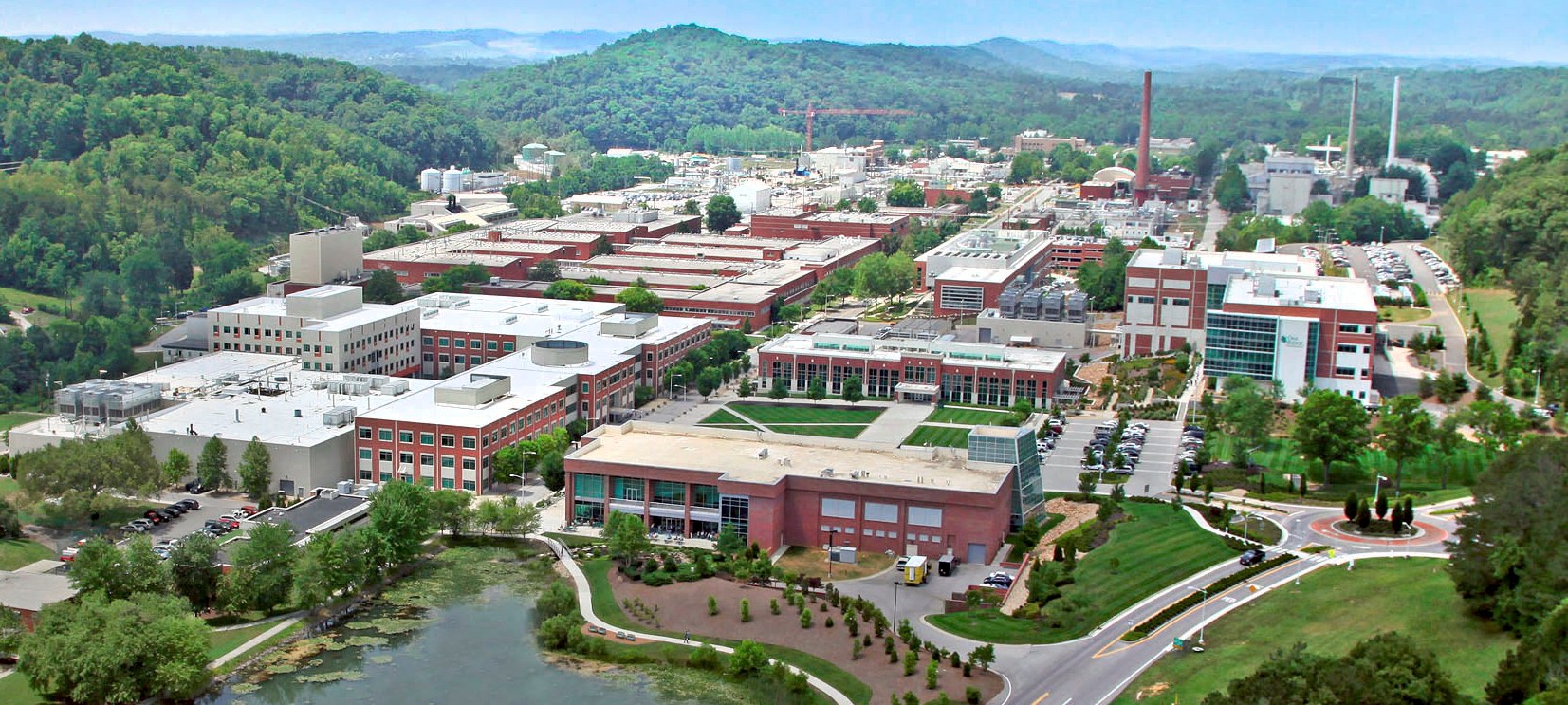
Figure: Aerial view of the Oak Ridge National Laboratory campus of the US Department of Energy. Oak Ridge Office of Environmental Management and U.S. Department of Energy, Wikimedia Commons[3]

Locating reports by identifier, organisation and resource type
The advanced search fields most relevant to finding technical reports are: Identifier Numbers, which searches all identifying numbers including the DOE contract number, report number, non-DOE contract or award numbers and ISSN, by looking in the OSTI ID, report number, grant or contract number, additional journal information, DOI, award DOI and code ID metadata fields; Research Org, the organisation that was funded and performed the research for a record; Sponsoring Org, the DOE program office that provided the funding; Full Text, which searches the full text of records that have an available resource; and also title, author, publication date and subject.[2] Publication dates are typed as MM/DD/YYYY, for example 01/01/2014.[2] Resource Type can filter results up front, with the options journal article, technical report, data, software, patent, conference/event, book/monograph, program document, thesis/dissertation, video/audio and miscellaneous; choosing technical report gives documents resulting from DOE-sponsored research projects that describe the process, progress or results of R&D, which the page says may contain more comprehensive experimental details than scholarly papers or presentations.[2] A report number is created by the researcher, lab or institution and may also hold other identifying numbers such as arXiv numbers or university numbers, which the page says have retrieval use.[2]
Full text or citation only, and saved searches with alerts
Not every record has full text. The FAQ says OSTI.GOV provides access and links to a significant portion of full text and other research objects, but not all metadata records link to full text.[2] The results page can be filtered on the left by resource type, availability, author and research organisation. "Full Text/Resource Available" means records for which OSTI provides access to the resource, some hosted at OSTI and others at organisations or institutional repositories that OSTI links to; "Citation Only" means records with no associated resource, perhaps because it is unavailable to OSTI or not yet digitised, or because copyright affects availability.[2] For material not yet digitised, OSTI keeps a paper and microfiche archive, and the document availability link under the abstract on the full record page explains how to ask.[2] An account needs an email address and a password and lets you save documents, save searches, categorise records, export bibliographies and create alerts; to set an alert, log in, run a search, choose to save the search from the "Save Results" dropdown on the results page, and tick "Notify when document matches are added or updated" in the pop-up box, which can be turned off at any time from the account page.[2]
References
- U.S. Department of Energy Office of Scientific and Technical Information. About, OSTI.GOV, accessed 25 November 2026.
- U.S. Department of Energy Office of Scientific and Technical Information. OSTI.GOV Frequently Asked Questions, accessed 25 November 2026.
- Oak Ridge Office of Environmental Management, U.S. Department of Energy. Oak Ridge National Laboratory Aerial View.jpg, Wikimedia Commons, public domain.