Project overview
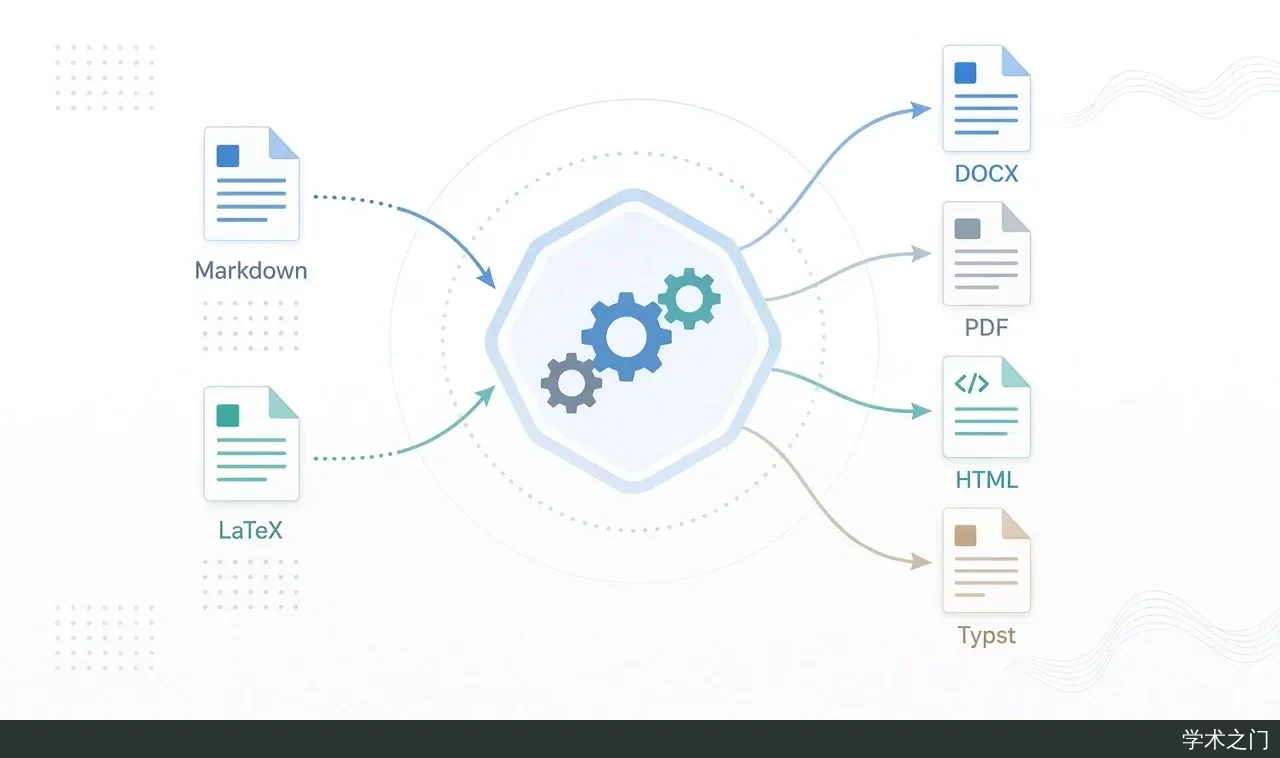
Figure: AI-generated schematic—pandoc as a document-conversion hub, Markdown and LaTeX in, DOCX, PDF, HTML, and Typst out.
On 26 October 2026 John MacFarlane released open-source document converter pandoc 3.13. This version replaces YAML parsing with the pure-Haskell yamlet parser (YAML 1.2): forms such as yes and no are no longer treated as booleans, and duplicate keys in a mapping become hard errors. Scholars who write papers with Markdown metadata and defaults files should check their templates before upgrading.
pandoc is a command-line document converter among Markdown, LaTeX, DOCX, HTML, Typst, and many other formats. Source and platform packages live in the jgm/pandoc GitHub repository; Hackage also has a pandoc-3.13 package page. The project uses the GNU General Public License version 2 (GPL-2.0); see COPYING.md in the repository. A common academic workflow is drafting in Markdown and exporting PDF or Word for submission; built-in citeproc builds in-text citations and reference lists from BibTeX, CSL JSON, and similar libraries with CSL styles. Tools such as Quarto call pandoc internally; this article covers only standalone command-line 3.13. The GitHub Releases timestamp for 3.13 is 2026-10-26 21:37:45 (UTC). This piece is source verification only—not an install-and-run test.
Why it matters
For scholars, pandoc’s value is separating writing format from submission format: one Markdown source can produce Word, LaTeX/PDF, or web versions to journal or school requirements, with citeproc handling citation style. 3.13 is a minor release with few new features, but the YAML parser swap touches almost every workflow that depends on metadata blocks and defaults files—worth a few minutes of checking before you upgrade.
Behavior changes from YAML 1.2 parsing
Per the 3.13 release notes, pandoc now uses the pure-Haskell yamlet parser and interprets metadata and defaults under YAML 1.2. Four changes matter most for day-to-day writing:
yes/no/on/off/y/nbecome strings: earlier versions parsed them as booleans; YAML 1.2 treats onlytrue/falseas booleans.- Duplicate keys go from warning to error: writing
title:orbibliography:twice in the same mapping used to warn; conversion now aborts. .5,.inf,.nanparse as numbers: quote them if you meant text.- Defaults errors include location: when a defaults file fails, the message points to the field (issue #8759)—easier to debug than before.
The easiest trap is the first: it does not error, it silently changes output. pandoc templates treat $if(variable)$ as true for any non-empty string. Illustrative example (variable name draft is arbitrary):
---
title: My paper
draft: no   # before 3.13: boolean false; from 3.13: string "no"
---
If the template has $if(draft)$…$endif$, older pandoc omitted that block; 3.13 emits it because the string "no" is not empty. Safest practice: write boolean switches as true/false only. Beyond YAML, this release also improves Docx reader and other I/O modules; details belong in the release notes and are not restated here item by item.
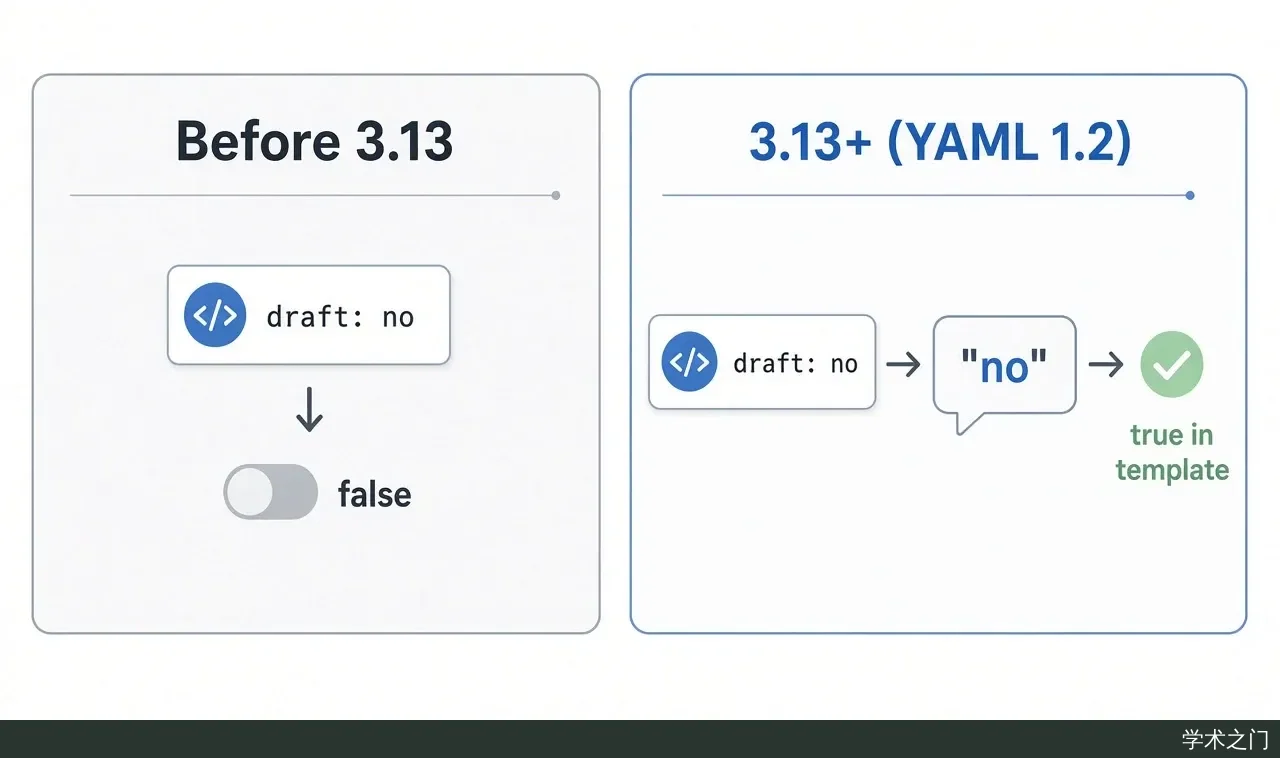
Figure: AI-generated schematic—the same line draft: no parsed as boolean false before 3.13; from 3.13, under YAML 1.2, as string "no", which counts as true in template conditionals.
How to get it and what to check before upgrading
Official paths to 3.13: the install page on pandoc.org, and platform installers and archives attached to the 3.13 GitHub Release. System package managers can install pandoc too, but versions may lag the official release—confirm with pandoc --version after install. These paths come from source checks; this article did not install and test.
If you already have document templates, check in this order before upgrading:
- Search Markdown metadata blocks, defaults files, and template variables for
yes,no,on,off,y,n, and similar: change switches totrue/false, quote values that should stay text. - Look for duplicate keys in the same mapping, especially defaults files built by concatenating or copy-editing fragments.
- Convert a representative manuscript with both the old version and 3.13 and compare DOCX or PDF output.
- In CI or shared team environments that batch-build documents, pin the pandoc version first; upgrade together only after checks pass.
Quarto ships its own embedded pandoc; upgrading the standalone CLI does not update Quarto’s internal pandoc. When Quarto picks up 3.13 is up to Quarto’s own releases.
Limits and scope
- Command-line barrier: pandoc is used mainly via CLI and config files, with many options; newcomers need time for input/output formats, templates, filters, and defaults.
- Upgrade compatibility risk: YAML 1.2 behavior can make old defaults or metadata templates act differently after upgrade; duplicate keys error loudly, while
notreated as truth fails silently and is harder to spot. - Conversion is not always lossless: complex Word layout, LaTeX packages, and Markdown round-trips may lose typographic detail—still proof the final file before submission.
- Article scope: content is compiled from release notes, the website, the Hackage package page, and the license file; not install-tested, and other changelog items were not checked one by one.
References
-
John MacFarlane: pandoc 3.13 Release (GitHub Releases) (released 2026-10-26 21:37:45 UTC)
-
Hackage: pandoc-3.13
-
jgm/pandoc: COPYING.md (GPL-2.0 license, 3.13 tag)
-
Academic Gateway · a living guide for scholars in the intelligent age
-
Information compiled and published by the Scholay academic one-stop platform; report infringement for takedown.
-
Also published on Enter Scholar, a scholars’ community for the intelligent age