Project overview
GenAI in Workshops is a bonus module for The Carpentries Instructor Training; the syllabus is published under CC BY 4.0. It is aimed at instructors, not learners: when chatbots can solve most workshop exercises, how do instructors preserve the roles of practice, cognitive load, and feedback. On 26 October 2026 the project announced about five hours of extra sessions from November through the following April, with participation fees halved.
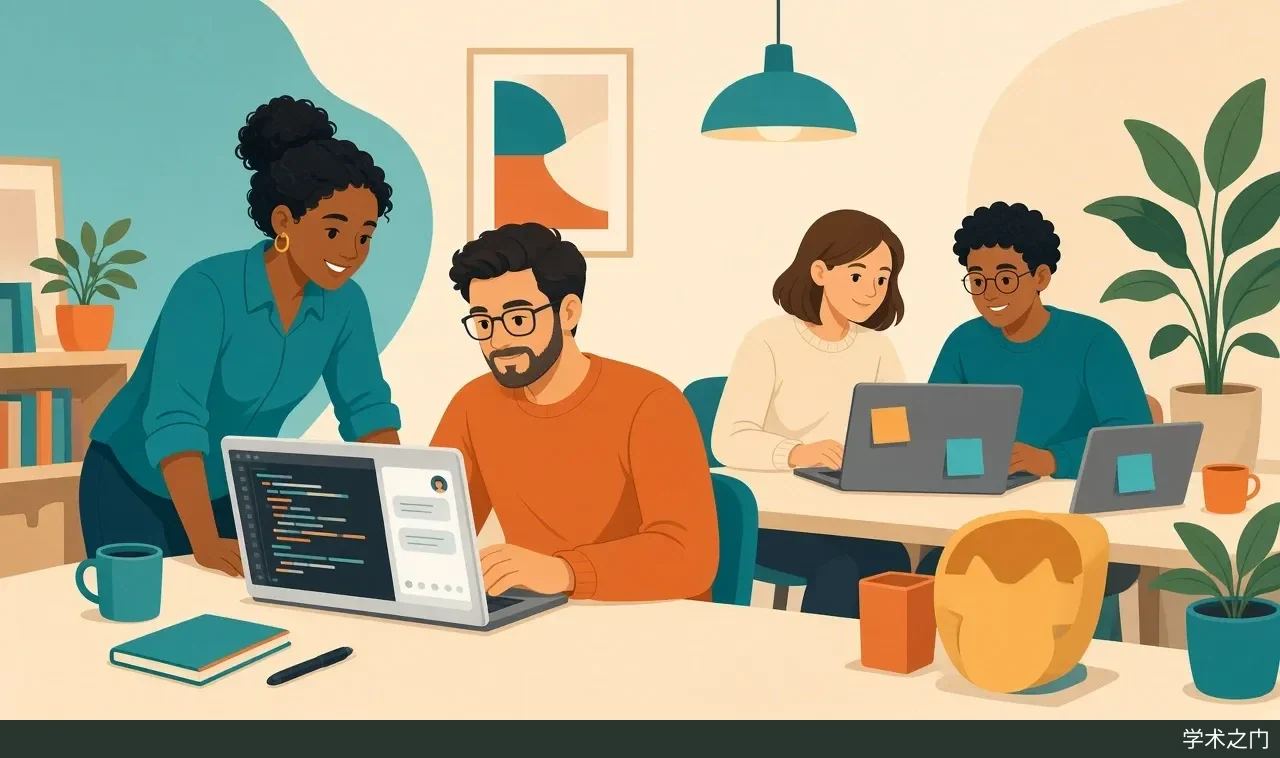
AI-generated schematic: in a workshop, an instructor and learners discuss chatbot-produced code for an exercise. Illustrative only—not a Carpentries event photo.
How chatbots hit workshop practice and feedback
Carpentries workshops teach beginners through guided practice: the instructor live-codes, learners work challenges, and the instructor adjusts pace from sticky notes, questions, and exercise outcomes. When Carpentries launched this bonus module on the blog on 17 June 2026, the motivation was that more and more instructors reported frequent chatbot use in class. The syllabus unit “Building Skill with Practice” has participants run a check: pick exercises from Software Carpentry, Data Carpentry, Library Carpentry, or HPC Carpentry, paste them into duck.ai or another chatbot, and count how many it solves. The syllabus then states that chatbots usually solve these introductory exercises correctly and give fairly consistent answers.
The problem is not whether the answer is right, but that the learning process is skipped. The syllabus names three impacts: handing the whole prompt to a bot bypasses the practice that moves new knowledge from working memory into long-term memory; bot answers often introduce syntax and terms not yet taught, adding extraneous cognitive load for novices; and when learners ask the bot before helpers, instructors cannot see where the room is stuck and lose the basis for adjusting explanation. The 26 October post, reviewing the first round of sessions, says every discussion circled the same point: bots can solve the vast majority of Carpentries exercises—what that means for learner motivation, expertise formation, and the formative assessment and feedback instructors receive.
Practical value
Earlier Carpentries courses covered on this site are mostly for learners—Shell, Git, Python/R, or linked data for librarians. This syllabus turns to the instructor side and asks how to keep the “good friction” of practice and the feedback channel when chatbots are already in the room. Its value is mapping Instructor Training learning principles, one by one, onto concrete chatbot situations, with discussion prompts and practices that can go straight into a classroom or instructor meeting.
Syllabus units and ready-to-use exercises
The syllabus site uses the Carpentries Workbench format. Units run: opening, “Modes of Interaction with GenAI,” “Building Skill with Practice,” “Expertise and Instruction,” “Memory and Cognitive Load,” “Building Skill with Feedback,” “How Not to be Wrong About AI,” and closing. The middle four map one-to-one with same-named Instructor Training units—practice, expertise, cognitive load, and feedback—revisited in a setting where learners use chatbots. Each unit is organized around questions, objectives, discussion exercises, and takeaways.
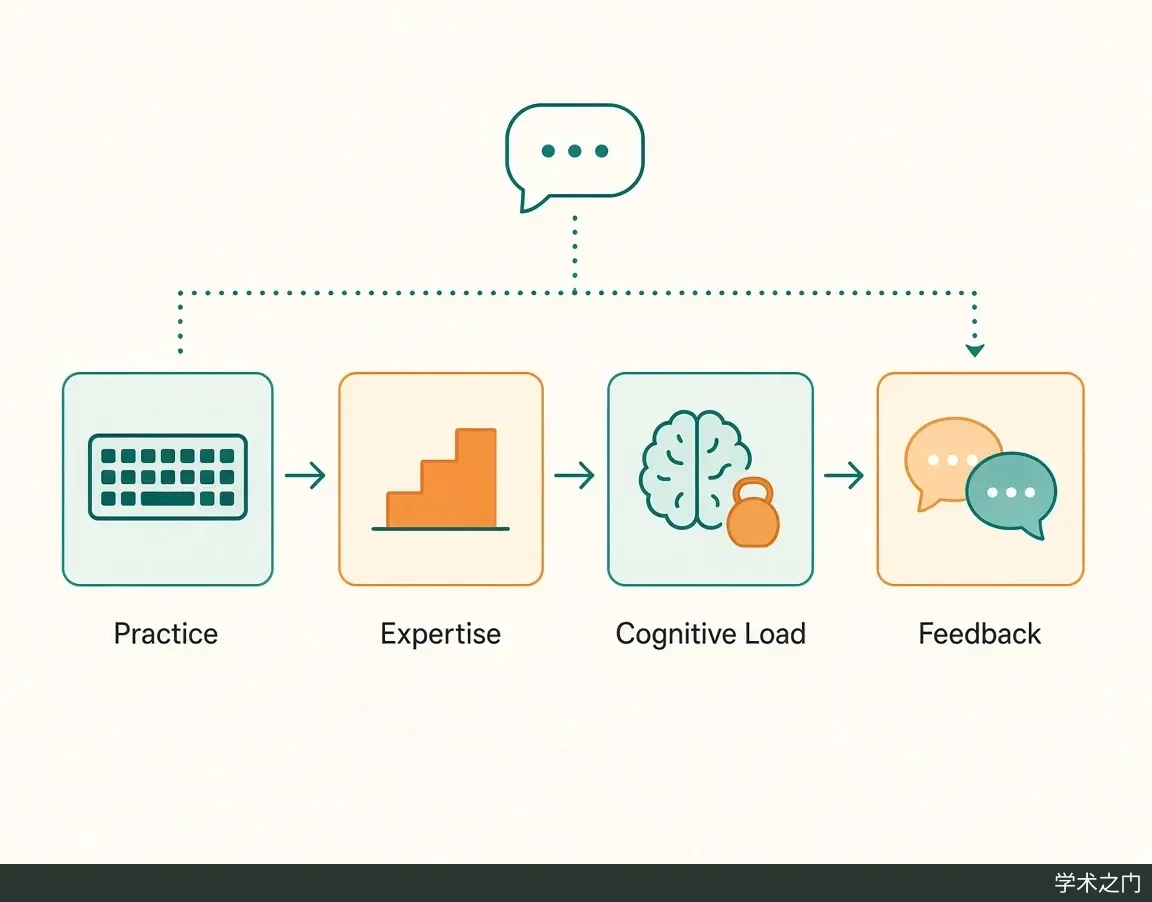
AI-generated schematic: the four core units in GenAI in Workshops that match Instructor Training—practice, expertise, cognitive load, and feedback. Cards show order only, not lesson length.
Several exercises can be used as-is. “Expertise and Instruction” lists signs that a learner may have handed a problem to a bot: functions or syntax not yet taught, code that is clearly too complex, unusually dense comments, inability to explain how the code works. Matching practices include explaining why the exercise matters for learning, celebrating learners who finish by hand, asking learners to explain their answers, and having them make a small change that alters program behavior. The unit also cites five human–AI collaboration modes from Richards et al. 2026 (Navigator, Autopilot, Deputy, Technician, Scholar), arguing that Autopilot—handing the whole problem to the bot—is the most harmful, while Scholar and Navigator uses for looking up concepts or getting oriented in a codebase are more likely to grow the user’s own knowledge.
“Memory and Cognitive Load” contrasts an exercise from the Software Carpentry R lesson: the course answer is a short function with only if/else; duck.ai’s version adds a default threshold, input checks, title and axis parameters, and a jittered scatter option. Participants then add to the prompt “I am a complete beginner learning to program” and watch whether the code gets simpler while the accompanying explanation grows too long for a novice to digest. The unit ends with an open pair-discussion question: how should novices use chatbots in a workshop without blocking the skills they are meant to learn.
“Building Skill with Feedback” supplies a short opening script for the first minutes of a workshop: using Instructor Training learning principles to explain why exercises should be hard, why pacing is deliberately slow, and why motivation and feedback matter; encouraging learners stuck to ask helpers and instructors first; and favoring pair programming and small-group discussion. The 26 October post notes that the most recent syllabus update expanded what that opening explanation can cover. “How Not to be Wrong About AI” opens from GitHub’s 2023 “developers 55% faster” claim, tests productivity marketing against research-validity dimensions, then models a feasible think-aloud: in groups of three, one person uses an AI coding assistant to write a find-duplicate-files script while narrating, five minutes max, while the other two record and then debrief.
Self-study syllabus and registering for led sessions
For self-study, open the syllabus site directly. The home “Summary and Setup” lists seven learning objectives, prerequisites, and preparation: a modern browser only, no special software; exercises require actually using a chatbot—existing ChatGPT, Claude, Gemini, or Mistral Vibe accounts work, and participants who prefer not to register can use duck.ai without login. Units can be read in order or pulled out alone—for example the solve-check in “Building Skill with Practice”—for an instructor meeting.
To join a formal session led by senior Trainers, the entry point is carpentries.org/genai. The project page describes a standalone one-day training separate from other events, with links to pricing and registration; the 26 October post points to the events list for November 2026–April 2027 dates and how to sign up. At the June launch, the official path was to check the pricing page, then email team@carpentries.org to register when ready. If it has been a while since Instructor Training, the syllabus suggests reviewing five Instructor Training units first: Building Skill with Practice, Expertise and Instruction, Memory and Cognitive Load, Building Skill with Feedback, and Motivation and Demotivation.
Prerequisites, fees, and scope limits
The audience is clear. Formal sessions require prior Instructor Training or Learner-Centered Teaching, but not completed Carpentries instructor certification. The module does not replace learner-side Shell, Git, Python, or R courses, and it is not a chatbot product review; the current version focuses on the chatbots learners use most, with IDE plugins and agent coding tools only as background in “Modes of Interaction with GenAI.” That unit notes AI coding tools change fast and access is uneven, so suitable classroom practice depends on local conditions—hence a discussion framework and optional practices, not a fixed rule set.
Formal sessions are paid and scheduled. The first round ran in August 2026; the 26 October post announced more sessions from November through the following April with fees halved, and further scheduling from April 2027. The post does not list dollar amounts; prices are on the pricing page linked from the project page. The syllabus itself is freely reusable: LICENSE.md and config state teaching materials under CC BY 4.0 and example programs under MIT; adaptations must credit The Carpentries, link the license, and note changes. Part of “Modes of Interaction with GenAI” is adapted from CodeRefinery CC BY 4.0 materials. Repo config marks the course lifecycle as stable; main unit pages show last updates on 23 October 2026.
References
-
Toby Hodges. Announcing more GenAI in Workshops events. The Carpentries Blog, 2026-10-26.
-
Toby Hodges, SherAaron Hurt. GenAI in Workshops: A Bonus Module to Instructor Training. The Carpentries Blog, 2026-06-17.
-
The Carpentries. Generative AI in Workshops Bonus Module.
-
The Carpentries. GenAI in Workshops: Instructor Training Bonus Module — Summary and Setup.
-
The Carpentries. carpentries/instructor-training-genai (includes LICENSE.md and config.yaml).
-
Syllabus units: Modes of Interaction with GenAI; Building Skill with Practice; Expertise and Instruction; Memory and Cognitive Load; Building Skill with Feedback; How Not to be Wrong About AI.
-
Academic Gateway · A life guide for scholars in the intelligent age
-
Information compiled and published by the Scholay academic one-stop platform; report infringement for takedown.
-
Also published on Enter Scholar, a scholars’ community for the intelligent age