The Lens (lens.org) is a search platform run by a nonprofit that puts scholarly literature and global patents in one system and marks which papers have been cited by patents. Based on its official support docs and API docs (checked October 2026), this article covers field-search syntax on the web, how it divides labor with Google Scholar and OpenAlex, what free accounts and the API actually allow, export and citation-analysis tips, and ready-to-adapt query examples.
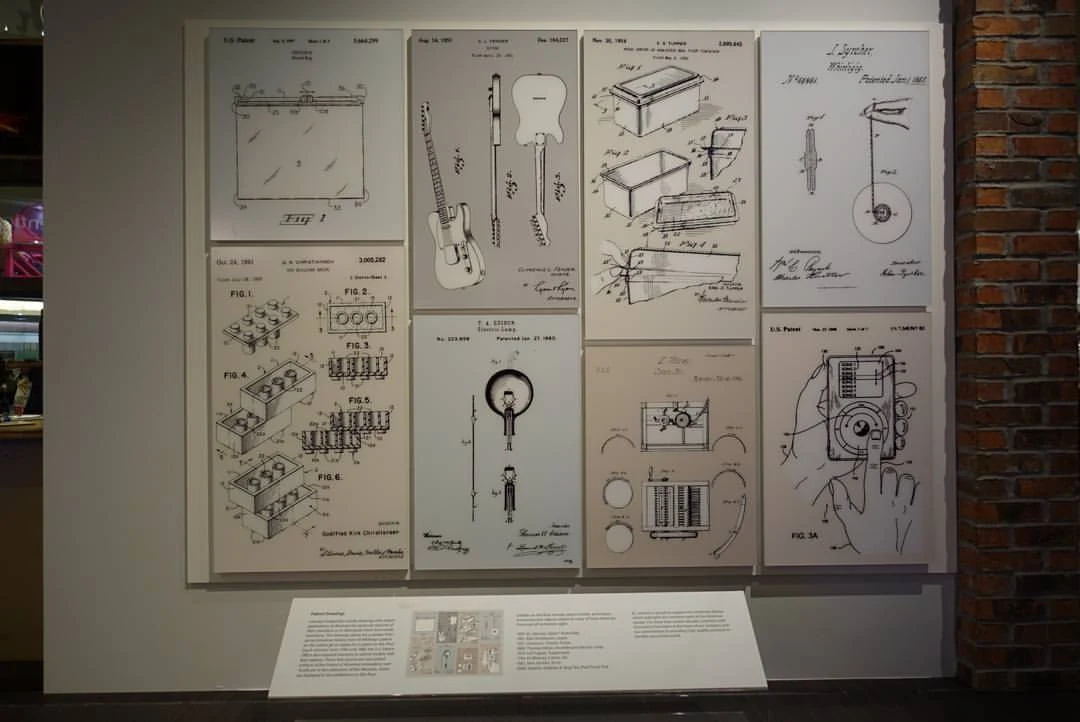
Patent-drawing wall at the National Museum of American History. Photo: Kazuhisa OTSUBO; source: Wikimedia Commons; license: CC BY 2.0.

Positioning differences and data sources
All three platforms let you search papers for free, but their design priorities differ. The table lists only differences that official documentation can confirm:
| Comparison | The Lens | Google Scholar | OpenAlex |
|---|---|---|---|
| Where data come from | Aggregates Microsoft Academic, PubMed, Crossref, and supplements OpenAlex and Unpaywall open-access info, CORE full text, and ORCID links | Web crawlers harvest scholarly papers on the web | Self-built open index; data released as CC0 |
| Bulk access | After login, export up to 50,000 records per run; API needs application and approval | At most 1,000 results shown per search; no official bulk access | Free accounts get $1/day of API credit, plus data snapshots |
| Distinct capability | Bidirectional paper–patent links | Broad web coverage; one-click citation export per paper | Open license, suited to reproducible large-scale analysis |
By use case: to find a paper quickly and see who cited it, Google Scholar is the smoothest; for reproducible large-scale metadata analysis, OpenAlex’s license and free API bar are lower; when the question is “which research was cited by patents” or how papers and patents cite each other in a field, Lens’s paper–patent linkage is what the other two lack.
The Lens site claims more than 200 million scholarly records. That is a platform self-report; deduplication and counting rules differ across platforms, so do not compare scale directly. The field data_source.name shows which sources feed a single record (e.g. crossref, pubmed, openalex).
Field-search syntax and query examples
Entry point. The structured scholarly search page is lens.org/lens/search/scholar/structured. Structured Search can combine fields, date ranges, identifier types, and publication types, and filter with markers such as Open Access, Has abstract, and Has Funding. Once you know the syntax, switch to the Query Text Editor and write Boolean queries directly: typing suggests field names; Ctrl + Space completes the first suggested field; Ctrl + Enter validates then submits.
Syntax essentials. Lens uses a modified Apache Lucene / Elasticsearch query syntax:
- Field search is
field:value, e.g.title:malaria; - Boolean operators must be uppercase (
AND,OR,NOT); space between terms defaults toAND; - Parentheses group;
title:(car OR truck)keeps several terms in one field; - Ranges use
TO, e.g.year_published:[2020 TO 2024]; "foo bar"~4means the two words are at most 4 tokens apart;- Wildcards
*and?do not stem; with Stemming on,valve*may miss index terms reduced tovalv; - English stop words (in, of, the, with, etc.) are ignored in query terms and phrases;
- Special characters such as slash, colon, and parentheses need
\escaping when not inside quotes.
Common scholarly fields: title, abstract, full_text (CORE full text), author.display_name (exact match with author.display_name.exact), author.orcidid, author.affiliation.ror_id, source.title.exact, funding.organisation, mesh_term.mesh_heading, is_open_access, open_access.colour, is_retracted, referenced_by_count, is_referenced_by_patent. Full field lists are on the structured search page and the official field table.
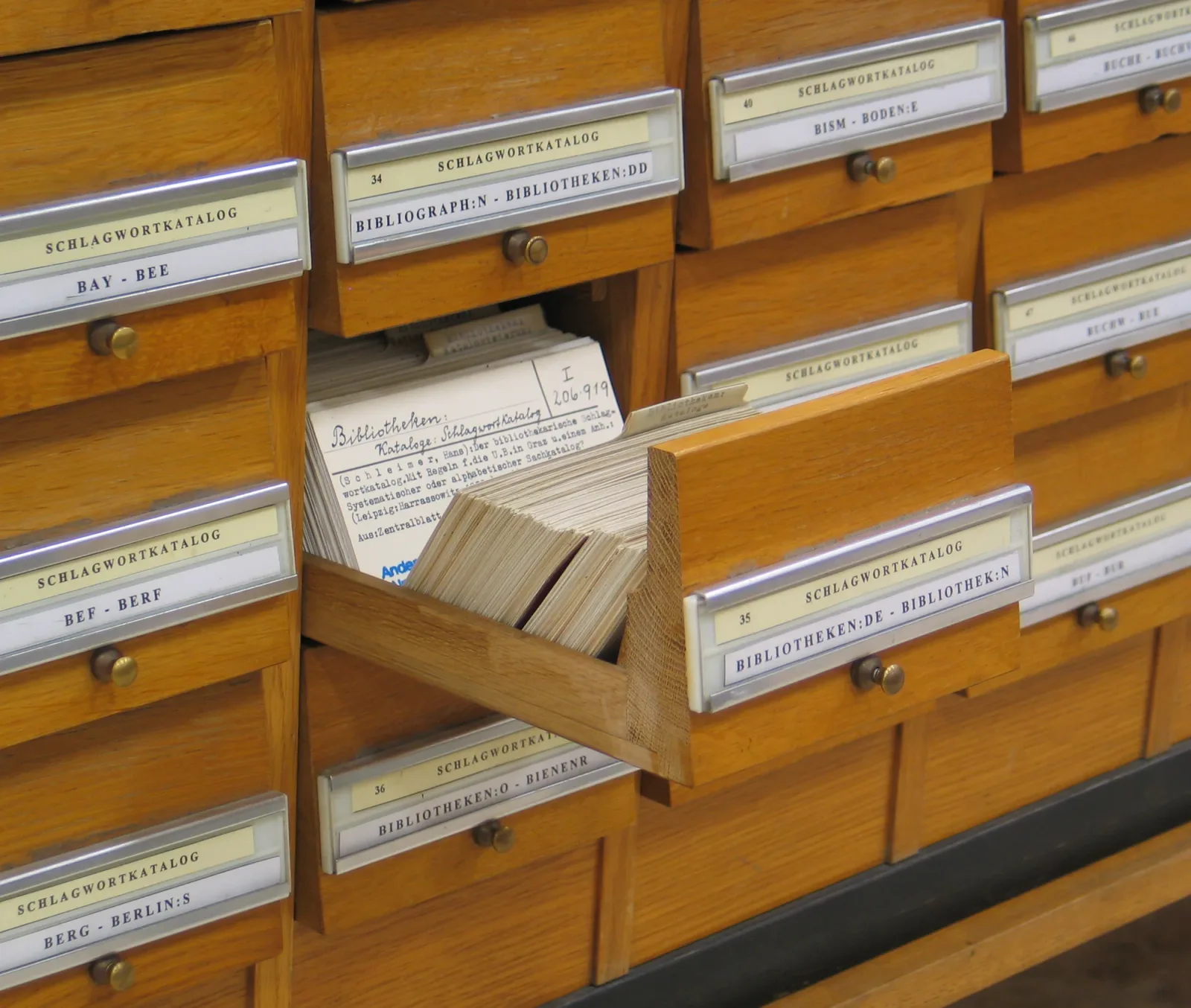
Subject-heading card catalog at the University of Graz library—field search can be seen as its digital extension. Photo: Dr. Marcus Gossler; source: Wikimedia Commons; license: CC BY-SA 3.0.

The queries below can be pasted into the Query Text Editor; replace values as needed.
Query 1: topic, document type, and year
title:("prime editing" OR "base editing") AND publication_type:"journal article" AND year_published:[2020 TO 2025]
Both technique names are limited to the title; only journal articles from 2020–2025 remain. Publication-type values are case-sensitive in the API docs—write lowercase journal article.
Query 2: papers cited by patents
abstract:"perovskite solar cell" AND is_referenced_by_patent:true AND referenced_by_patent_count:[10 TO *]
Keeps papers whose abstracts involve perovskite solar cells and that are cited by at least 10 patents. [10 TO *] is Lucene open-ended range syntax; if the UI fails validation, drop the last clause and sort results by Citing Patents instead.
Query 3: affiliation country, funder, and open access
author.affiliation.address.country_code:CN AND funding.organisation:"National Natural Science Foundation of China" AND is_open_access:true AND year_published:[2023 TO 2025]
Country codes are ISO two-letter uppercase. Funder names vary across sources—check actual values in the left-hand Funding filter panel first; for exact match use funding.organisation.exact (case-sensitive).
Query 4: retractions for a journal and their reasons
source.issn:00222836 AND is_retracted:true
The sample ISSN is from the official field table; swap it for your target journal and drop hyphens. Retraction flags combine PubMed, Microsoft Academic, OpenAlex, and Crossref/Retraction Watch; retraction reason and date (retraction_update.reason, retraction_update.date) come only from Crossref/Retraction Watch.
Result export and citation analysis
Export path. On the results page switch to List View → toolbar Export Results → choose format, tick export fields, enter a filename → the system emails a download link to the registered address; links stay valid about 30 days. Analysis View has no export button.
- Formats: RIS, BibTeX (for reference managers), CSV (tabular analysis), JSON, and JSON Lines. Officials recommend JSON Lines over legacy JSON; it matches the API response shape;
- Volume: up to 50,000 per run; without login, at most 1,000;
- Fields: tick one by one, or select/deselect all. For bibliometrics, keep citation counts, identifiers, and similar fields.
For systematic reviews, record the query, search date, and hit count together; export RIS then deduplicate in a reference manager so the search can be reproduced later.
Citation analysis. Each scholarly record has three searchable count fields: reference count reference_count, scholarly citation count referenced_by_count, and patent citation count referenced_by_patent_count. They can appear in results and in queries, e.g. referenced_by_count:[100 TO *]. Officially, paper–patent links are bidirectional: from a set of papers you can jump to patents that cite them, and from patents you can recover the scholarly literature they cite.
Note that citation counts depend on Lens’s merged coverage and will differ from Google Scholar and other platforms. When citing such numbers in reports or grant applications, name the platform and search date.
Account permissions, API, and limits
What accounts can do.
- Anonymous (no registration): search and analyze; export under 1,000 per run; officials promise anonymous use stays free and untracked.
- Registered account: export ceiling rises to 50,000 per run; Collections, saved searches with email alerts, analysis dashboards, automatic search history, and API trial applications. The registration page states accounts do not include API access by default.
- Academic Workspace: free for faculty, researchers, and students at degree-granting institutions; must register with an institutional email and meet real-name / real-institution rules.
- Commercial or professional use (companies, government, law firms, and roles such as university tech-transfer or library services) needs a paid subscription; personal professional workspaces are $1,000 per year; institutions can subscribe to toolkits.
How to get API access. API terms (v2026.06.01) state the API is only through institutional subscription; individuals can ask their library to subscribe. After login, apply for a trial on the API & Data page with institution, use case, and project period; human review; approved trials last 14 days and are for non-commercial evaluation only. The July 2026 9.9 release updated trial quotas; exact numbers appear only on the logged-in API & Data page and could not be verified here. After institutional subscription, campus users can request institutional user plans: scholarly search API at 5,000 requests per month, up to 500 records each, 10 per minute.
Call essentials.
- Endpoints:
POSTorGET https://api.lens.org/scholarly/search; single recordsGET https://api.lens.org/scholarly/{lens_id}; field schema athttps://api.lens.org/schema/scholarly; - Auth: POST requests put
Authorization: Bearer <token>in the header; GET uses atokenparameter; - Rate limits: response headers return remaining per-minute and per-month quotas; overages return
429; - Pagination:
from/sizeonly for results under 10,000; larger sets use scroll pagination (up to 1,000 per page;scroll_idlasts 1 minute; POST only).
curl -X POST https://api.lens.org/scholarly/search \
  -H "Authorization: Bearer $LENS_TOKEN" \
  -H "Content-Type: application/json" \
  -d '{"query": "title:\"prime editing\" AND year_published:[2020 TO 2025]", "size": 50, "include": ["lens_id", "title", "external_ids"]}'
Limits in use.
- Web and API field names are not fully aligned. ORCID is
author.orcididin the web field table andauthor.orcidin the API docs; the web filteris_referenced_by_patentcorresponds to API filterhas_patent_citations, and the API docs markpatent_citation_*fields as deprecated. Check the schema endpoint before scripting. - Several fields are case-sensitive, including MeSH terms (
Calciumvscalcium),.exactfields, ISSN, and country codes. When hits are empty, check case first. - Some support pages lag. The scholarly search guide was last updated in 2022 and lists only Microsoft Academic, PubMed, and Crossref as sources; the 2026 field table already adds OpenAlex, CORE, and others. When they disagree, prefer the field table and API docs.
- Field of Study is machine-generated from Microsoft Academic and suits coarse filtering, not definitive subject assignment.
- Queries travel in the URL and are usually limited to about 2,000 characters (browser-dependent); split very long queries.
- Lens supports Chinese query terms (official examples search Chinese patent claims), but officials have not published Chinese scholarly coverage; for Chinese literature, prefer CNKI and other Chinese databases as the primary route.
References
-
The Lens Support. Scholar Field Definitions. Updated 2026-03-18.
-
The Lens Support. Search Syntax. Updated 2026-03-18.
-
The Lens Support. Scholarly Works Search. Updated 2022-10-24.
-
The Lens Support. Export Results. Updated 2026-03-10.
-
The Lens. Account Registration. Undated; accessed 2026-10-25.
-
Lens About. Changes to Accounts. Undated; accessed 2026-10-25.
-
Lens API Documentation. Getting Started. Undated; accessed 2026-10-25.
-
Lens API Documentation. Scholar Request. Undated; accessed 2026-10-25.
-
The Lens Support. Lens Patent and Scholar API. Updated 2026-05-21.
-
Lens About. Lens API – Terms of Use. v2026.06.01.
-
Lens About. Release 9.9. 2026-07-20.
-
The Lens Support. Institutional Toolkit Subscriber Onboarding. Updated 2026-03-17.
-
Lens About. Scholarly Search & Analysis. Undated; accessed 2026-10-25.
-
Google Scholar. Google Scholar Help. Undated; accessed 2026-10-25.
-
OpenAlex Help Center. Overview (Pricing). Undated; accessed 2026-10-25.
-
Academic Gateway · a living guide for scholars in the intelligent age
-
Information compiled and published by the Scholay academic one-stop platform; report infringement for takedown.
-
Also published on Enter Scholar, a scholars’ community for the intelligent age