Project overview
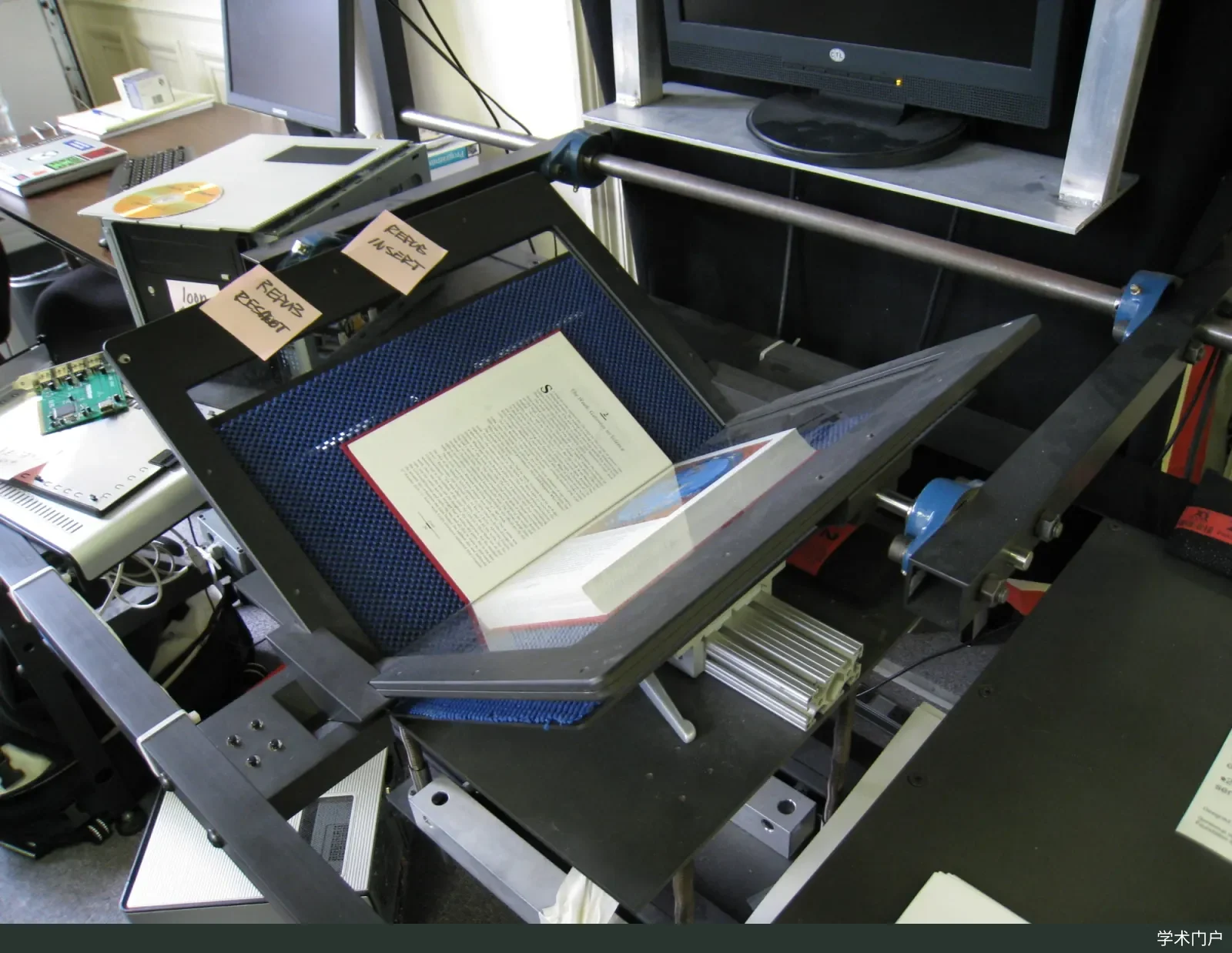
PDF Craft is an open-source Python library (GitHub repository oomol-lab/pdf-craft, MIT license) aimed at scanned books, research papers, and technical documents. It can turn scanned PDFs into Markdown or EPUB, and can translate content and write the translation back onto the original PDF pages. Version 2.4.2 shipped on 12 October 2026, fixing OCR bibliographic-metadata extraction and unifying internal execution on an async implementation. This article is a source check; the software was not installed or tested hands-on.
Project position and requirements
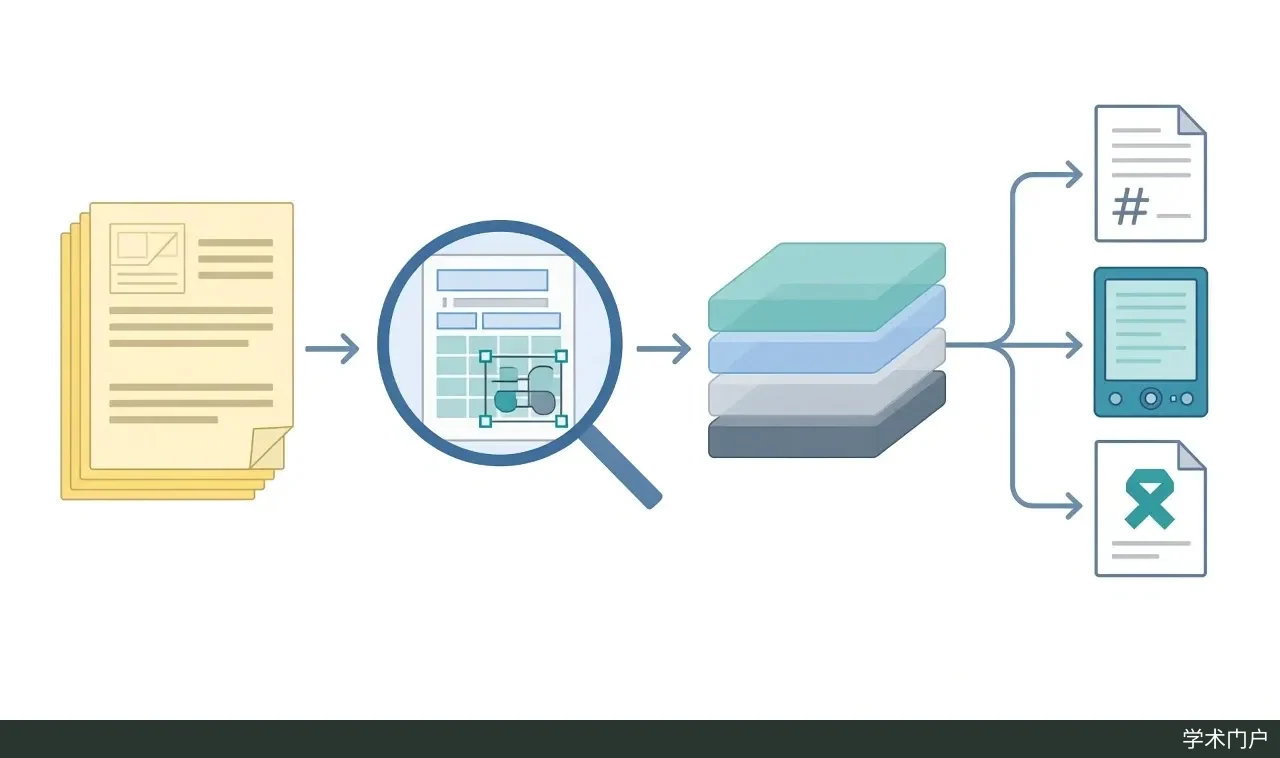
- What it can do: The README positions PDF Craft as a Python library for scanned books, research papers, and technical documents. It can convert a scanned PDF into editable Markdown (images saved as asset files) or into an EPUB with a table of contents and bibliographic info; it can translate during conversion or translate an existing EPUB, outputting translation-only or bilingual editions; and it can write the translation back onto the original PDF pages. Recognized objects include body text, chapters, tables of contents, footnotes, tables, formulas, and images.[1]
- Reusable intermediates: Extraction results can be saved as
.pcexfiles and later reused for rendering, translation, or continuing on another machine without re-running recognition.[1] - Requirements: Needs Python 3.11–3.13 and Poppler; install with
pip install pdf-craft. OCR has two hooks: a compatible remote OCR service (service URL and key required), or local run (installpdf-craft[local], with an NVIDIA GPU, CUDA PyTorch, enough VRAM, and model files—models download from Hugging Face by default). Currently supported models are DeepSeek OCR, DeepSeek OCR 2, and Unlimited OCR. Translation needs a separate text LLM; generating a translated PDF also needs Ghostscript and suitable local fonts.[1] - Repository and license: The repository is oomol-lab/pdf-craft at https://github.com/oomol-lab/pdf-craft[1]. The LICENSE file is MIT (Copyright (c) 2025 Tao Zeyu); the README notes that third-party dependencies and chosen OCR models keep their own licenses.[1,2]
2.4 series updates
- 2.4.0 (2026-09-29): Introduced PCEX v4, storing extracted source text and translations in layers. One
.pcexfile can hold multiple target languages or multiple translations of the same language, each distinguished bytranslation_id, so one extraction can support many languages, revisions, and reading formats without repeating OCR. Markdown and EPUB can render in three modes: source only, single translation, or source–translation side by side. The same release added bounded concurrency: remote OCR, LLM translation, and JEV footnote review can all cap concurrency via executors; a native async entryAsyncPDFCraft; and optional JEV-plus-LLM review for footnote extraction.[3] - 2.4.1 (2026-09-30):
translate_extraction()can translate one extraction into multiple selectable versions;patch_pdf_with_extraction()can write a chosen translation back to the original PDF bytranslation_id.[4] - 2.4.2 (2026-10-12): First, fixed OCR-based bibliographic metadata extraction. Previously an async call in the request chain was not awaited, raising
blocking guaranteed JSON request returned an awaitableand falling back to the PDF’s own metadata; after the fix, when the PDF has no built-in title, the OCR-recognized title can be written to PCEXdocument.title. Second, business execution was unified on async: LLM requests, JSON/XML repair loops, translation, and extensions follow async conventions;PDFCraftremains a sync shell overAsyncPDFCraft; cancelling a task cleans temporary resources. Downstream developers must implement async interfaces for custom PDF processors and vision compilers, and methods such asPDFTranslationPipeline.patch()needawait.[5] - Later versions: As of 21 October 2026, GitHub Releases after 2.4.2 also shipped 2.4.3, 2.4.4, 2.5.0, and 2.5.1, latest 2.5.1 (2026-10-21). Among them, 2.4.3 fixed footnote extraction and translation and added a default overall time limit for LLM calls; 2.4.4 fixed bilingual Markdown/EPUB conversion failures; 2.5.0 added incremental content callbacks during processing. See the Releases page for details.[6]
Practical value
For research users, PDF Craft’s value centers on scans: many textbooks, older journals, conference volumes, and technical reports exist only as scans, and ordinary text extraction misses chapter, footnote, and table structure. It turns those files into searchable, editable Markdown or EPUB, and lets you re-translate and re-export from the same extraction. The following is drawn from the README and release notes; it is a source check, not hands-on testing.
Suitable scenarios
- Scans to text: Convert scan-only books, lecture notes, or reports to Markdown for full-text search, excerpting, or import into your own notes and libraries; EPUB suits e-readers while keeping a table of contents.[1]
- Reading foreign-language material: Translate during conversion or translate an existing EPUB, choosing translation-only or bilingual display; you can also produce a PDF with translation substituted on the original pages.[1]
- Recognize once, reuse often: After saving a
.pcexfile, you can generate different languages, translations, or formats without repeating OCR—for example export source Markdown for search first, then a Chinese–English EPUB later from the same scan.[1,3] - Batching and programmatic use: Sync and async Python APIs, with concurrency caps for remote OCR and translation, suit scripted batches. Official notes say
AsyncPDFCraftis the main entry for servers and notebooks; syncPDFCraftmust not be called inside a running event loop—in Jupyter and similar environments, useAsyncPDFCraftwithawait.[1,3]
Limitations and cautions
- Not hands-on tested: This article is a source check; content comes from the README, LICENSE, and GitHub Releases notes.
- Quality depends on input: The README warns that conversion quality depends on scan quality, layout, and the OCR model; try representative files before bulk runs, and check translated PDFs against source and translation for layout.[1]
- Content may go to external services: With remote OCR, page images are sent to the configured service; even with local OCR, remote LLMs used for translation or TOC analysis receive the corresponding content. For unpublished manuscripts, restricted data, or copyrighted material, assess this first and follow copyright and terms.[1]
- You supply compute or services: Local OCR needs an NVIDIA GPU and CUDA; remote setups need a compatible OCR service, and translation needs an LLM API. Installing the Python package alone does not complete recognition.[1]
- Language and parameter limits: Recognizable languages depend on the OCR model; translation quality depends on the translator and LLM; EPUB’s
lanparameter currently only offerszhanden.[1] - APIs change often: 2.4.0 changed footnote, concurrency, and PCEX translation configuration; 2.4.2 made custom extension interfaces async; four more versions followed within nine days of 2.4.2. Read the matching release notes before upgrading and pin the version in your project.[3,5,6]
References
-
oomol-lab/pdf-craft. README (GitHub repository). https://github.com/oomol-lab/pdf-craft (accessed 2026-10-21)
-
oomol-lab/pdf-craft. LICENSE (GitHub repository license file). https://github.com/oomol-lab/pdf-craft/blob/main/LICENSE (accessed 2026-10-21)
-
oomol-lab/pdf-craft. PDF Craft v2.4.0 (GitHub Releases, 2026-09-29). https://github.com/oomol-lab/pdf-craft/releases/tag/v2.4.0 (accessed 2026-10-21)
-
oomol-lab/pdf-craft. PDF Craft v2.4.1 (GitHub Releases, 2026-09-30). https://github.com/oomol-lab/pdf-craft/releases/tag/v2.4.1 (accessed 2026-10-21)
-
oomol-lab/pdf-craft. PDF Craft v2.4.2 (GitHub Releases, 2026-10-12). https://github.com/oomol-lab/pdf-craft/releases/tag/v2.4.2 (accessed 2026-10-21)
-
oomol-lab/pdf-craft. Releases (GitHub release list). https://github.com/oomol-lab/pdf-craft/releases (accessed 2026-10-21)
-
Information compiled and published by the Scholay academic one-stop platform; report infringement for takedown.
-
Also published on Enter Scholar, a scholars’ community for the intelligent age